
From the makers of @fruit.sland
Make AI fruit stories
like ours.
The Fruits Land Video Guide is a PDF that shows our whole process — characters, scenes, animation, voice and editing — with the prompts we actually use.
Instant PDF download
Secure checkout by Paddle · 14-day refund
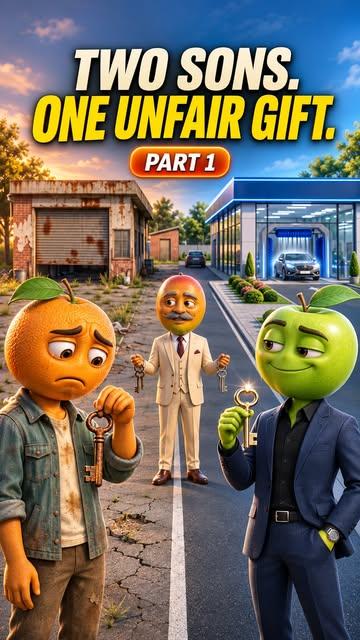

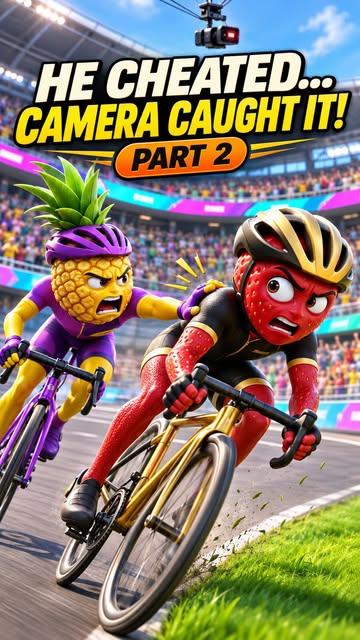
Our page so far
The process in the guide
made these videos.
- 16Kfollowers on Instagram
- 5.7M+views across our 9 videos
- 140K+likes across our 9 videos
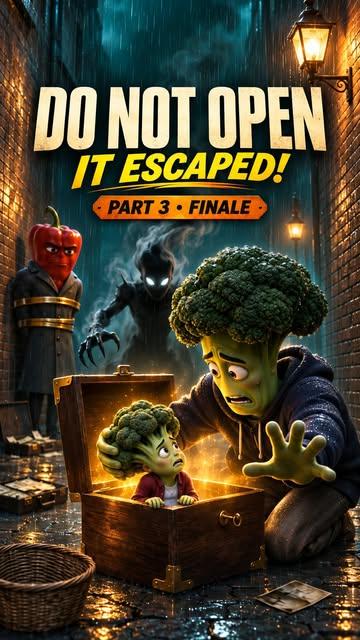
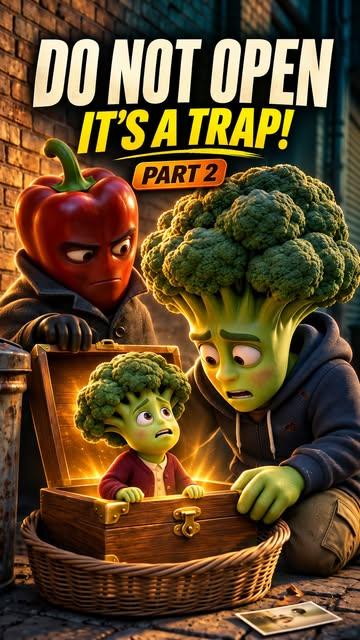
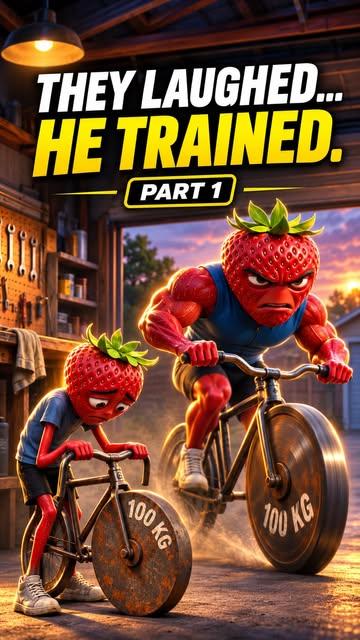
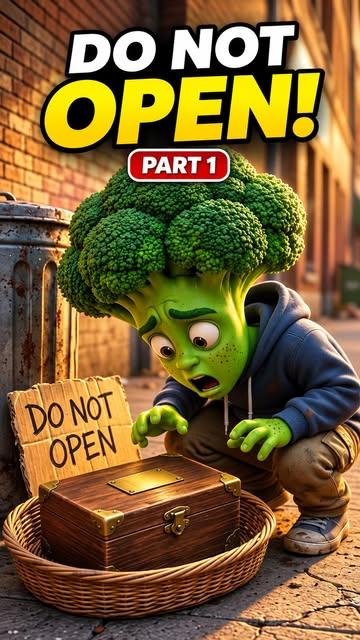

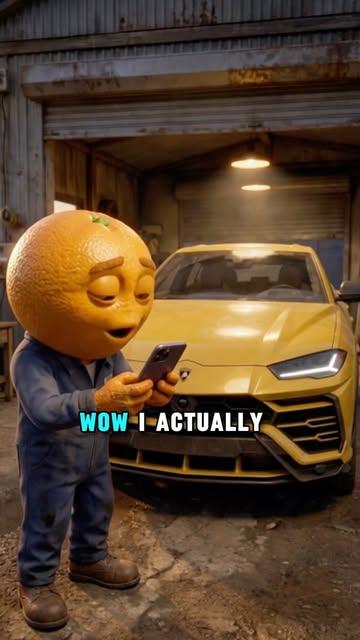
Figures are from our public Instagram page, @fruit.sland, as of November 19, 2026. They are our own results, not a promise of yours — what you get depends on your ideas, your work and your audience.
What's inside
The whole process,
in order.
7 chapters that take you from a blank page to a finished, posted episode, in the order you'll actually do the work.
 The step-by-step guideThe Fruits Land Video GuidePDF@fruit.sland
The format
How an episode is put together: the opening hook, the conflict, the cliffhanger, and how a story is split into parts.
Characters
Designing fruit and vegetable characters, and the prompts that keep the same character looking the same in every scene.
Scenes
Turning a script into scene-by-scene image prompts — lighting, camera angle, setting and mood.
Animation
Bringing still scenes to life as short video clips, and the settings that give clean, usable motion.
Voice and sound
Narration, character voices, music and sound effects, and how to time them to the picture.
Editing and covers
Cutting clips into a finished vertical video, adding captions, and building the bold cover that sits on the grid.
Publishing routine
A repeatable checklist from idea to posted video, so making the next episode takes less time than the last.
How it works
Buy it, download it, start.
- 01
Pay securely
Checkout is handled by Paddle. Pay by card or the local methods Paddle offers in your country.
- 02
Download instantly
Your download opens the moment payment clears, and a copy of the link is emailed to you.
- 03
Make your first video
Follow the guide chapter by chapter on your phone or laptop, at your own pace.
Straight talk
What you're buying.
This guide is
- A practical, step-by-step process you can follow as a beginner
- The same workflow used for the videos on our page
- A one-time purchase — no subscription, no upsell
This guide is not
- A promise of views, followers or income — results depend on your own work
- Software or an AI tool — the guide explains tools, it does not include them
- Free to run — some third-party AI tools charge their own fees
Get the guide
Stop just watching.
Start making.
One PDF, one payment. Everything is in the file you download.
- The full step-by-step workflow, start to finish
- Copy-and-paste prompts for characters and scenes
- The tools we use at each step
- A checklist for every new episode
Instant PDF download
Secure checkout by Paddle. Tax may be added at checkout depending on your country. 14-day refund — see our refund policy.
A few things to know
Before you buy.
What exactly do I get?
One PDF file: The Fruits Land Video Guide. It walks through how we make our AI fruit story videos, with the prompts and tools used at each step. It is a digital download — nothing is shipped.
Do I need any experience?
No. The guide starts from zero and assumes you have never made an AI video. You need a phone or computer and an internet connection.
Are the AI tools included in the price?
No. The guide explains which third-party tools we use and how we use them. Those tools are separate products, and some charge their own fees or limit free use. Tool features and prices can change.
How do I receive the guide?
As soon as your payment is confirmed you are taken to a download page. We also email the download link to the address you used at checkout, so you can come back to it later.
Will this make my videos go viral?
We can't promise that, and nobody honestly can. The guide teaches the process we use. How your videos perform depends on your ideas, your consistency and things outside anyone's control.
Can I get a refund?
Yes. If the guide isn't what you expected, contact us within 14 days of purchase and we'll refund you. See the refund policy for details.
Who processes my payment?
Paddle. Paddle is our Merchant of Record: it runs the checkout, handles tax, and appears on your statement. We never see or store your card details.